CaseLinx — case management software for advocates in India
The OS for the AI-powered lawyer.
Built ground up around how Indian advocates actually work — hearings, adjournments, chambers, clerks and clients. Not restaurant software with a new label, and not a cover slapped over a cheap AI.
Fair pricing. For every advocate. Plans from ₹399 a month.
Free to startImport your cases from court recordsEnglish and हिंदीFiles stay in your Google Drive
Why lawyers switch
Where CaseLinx stands taller.
1 / 16Swipe
Time is money
We manage a lawyer’s time like nothing else can.
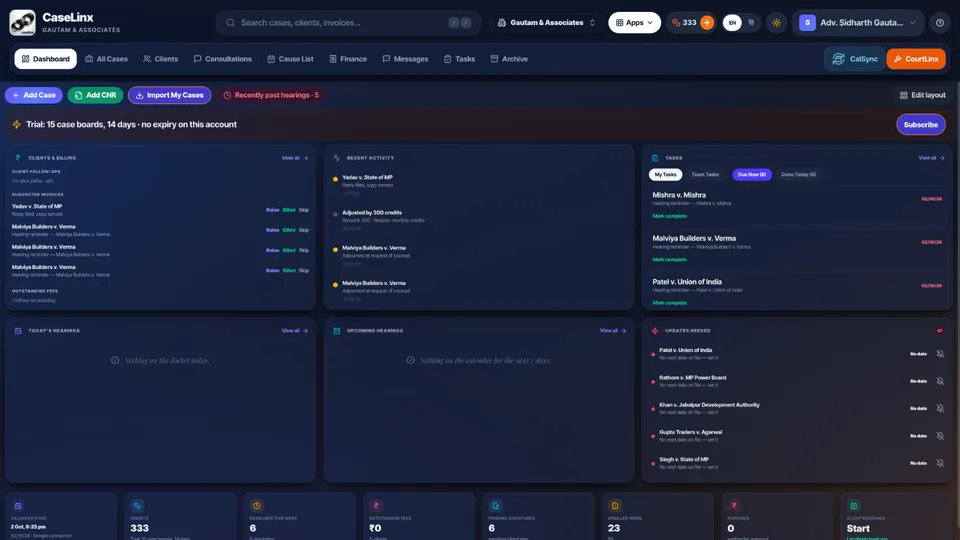
CaseLinx was built ground up around a litigator’s day — hearings, adjournments, next dates, clerks and clients. It is not restaurant or shop software relabelled for lawyers. Open it and it already knows what needs you.
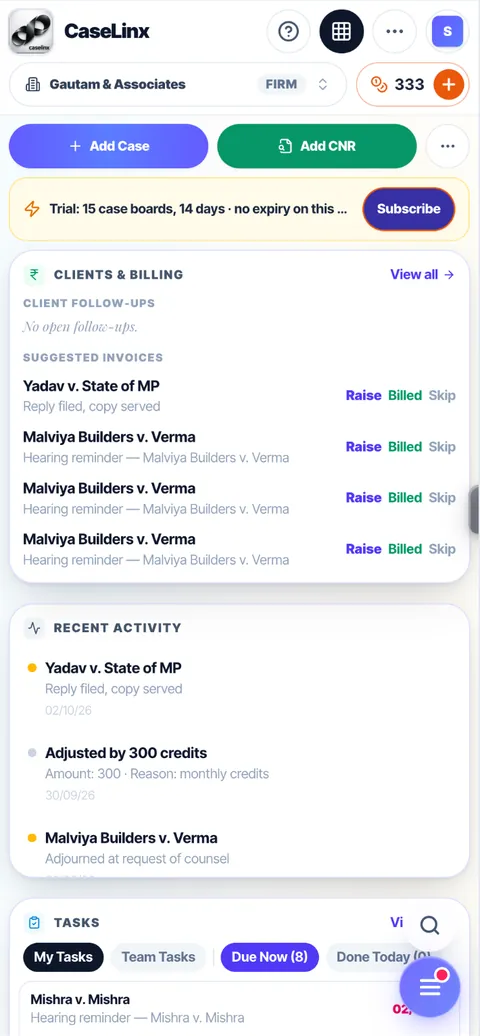
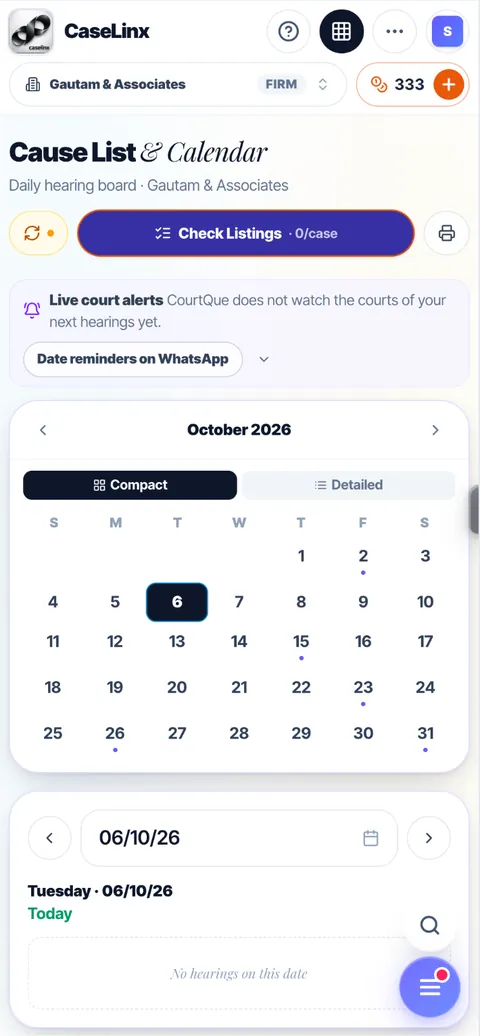
Updates Needed: every case whose date has passed with no next date, so nothing slips
Today’s and upcoming hearings, each flagged Ready, Prep pending or Missing docs
Completed work turns into a one-tap billing prompt
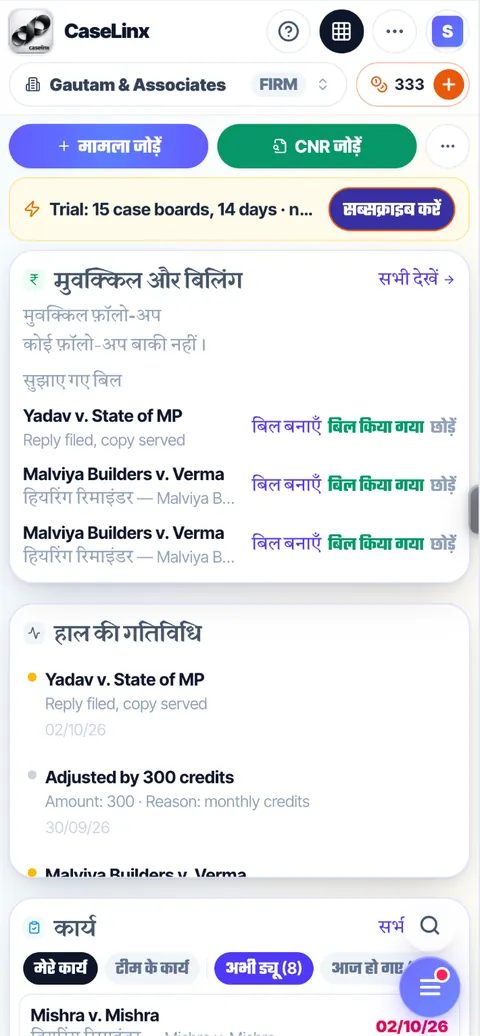
हिंदी और English
Knowledge is not limited to a language.
We believe in inclusivity. The whole of CaseLinx works in Hindi and English — every screen, every button, every reminder — switched with one tap, and each person on the team picks their own. CaseLinx is the first litigation management app built fully in Hindi. Regional languages are coming soon.
Every screen in हिंदी and English
WhatsApp hearing reminders in the language you choose
Regional languages coming soon
Phone and computer, equally
Everything you can do on a computer, you can do on your phone.
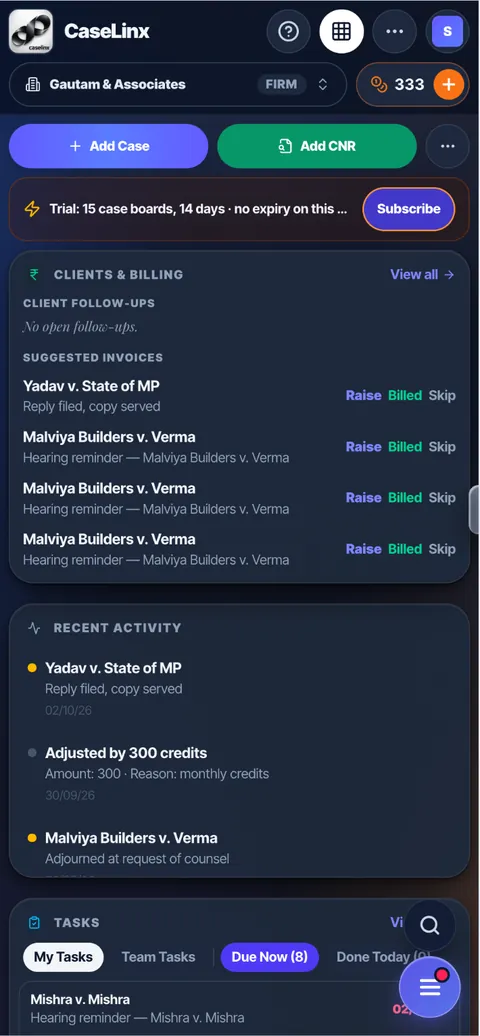
Most practice software is a desktop program squeezed onto a phone. CaseLinx was designed for both from day one: add a case, log a hearing, raise an invoice, delegate a task or sign off a junior’s work from the court corridor — then sit down in chambers and carry on at the big screen, exactly where you left off.
Every feature on both — nothing held back for the desktop
Install it on your phone’s home screen like an app
Your layout and settings follow you to every device
Search like Spotlight
Type a word. Find anything.
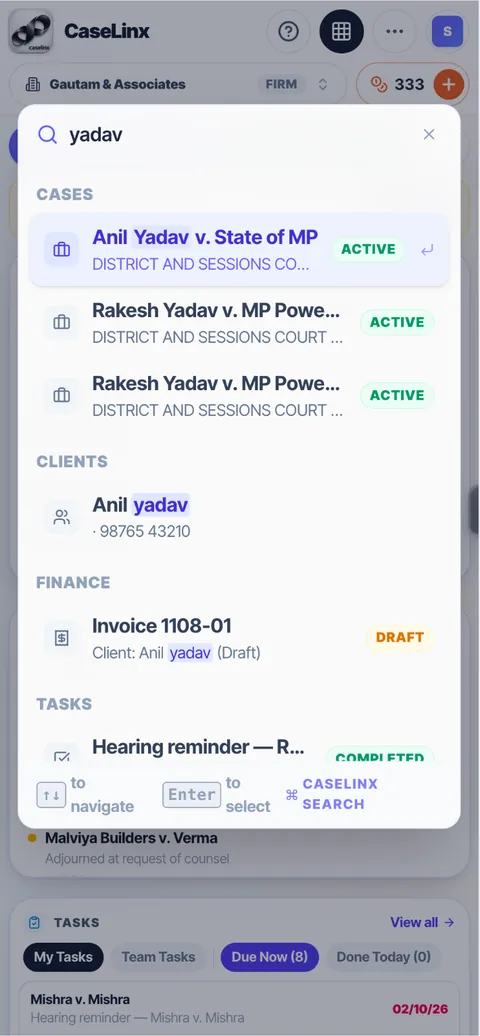
One search box, the way Spotlight works on an iPhone. Type a party name, a CNR, a court, a judge or a word from your notes, and CaseLinx shows the matching cases, clients, invoices and tasks together — open any of them in one tap.
Cases, clients, finance and tasks in one list
Searches party names, CNR, court, judge and hearing notes
Keyboard-friendly on a computer: arrows to move, Enter to open
Start in minutes
Your whole practice, imported from court records.
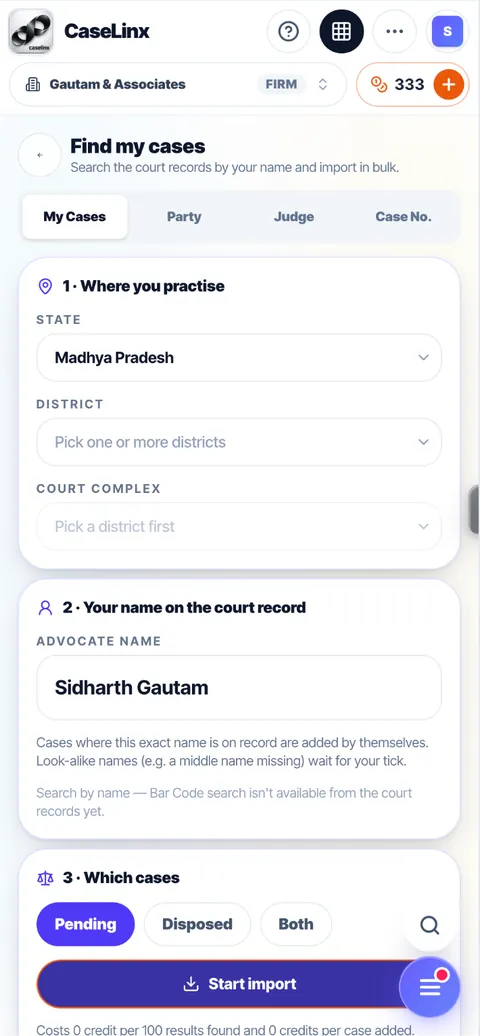
Type your name as the court enrolled you and tick the courts you practise in. CaseLinx finds your cases and adds them in the background while you work — exact matches on their own, look-alike names for your tick. Switching from a paper diary or another case manager takes minutes, not weekends.
Pending, disposed, or both
Duplicates flagged before anything is saved
Search by party, judge or case number too
The credit cost is shown before you start, and nothing is charged when nothing is found.
CourtSync + CalSync
One tap. Every date, stage and order — fresh.
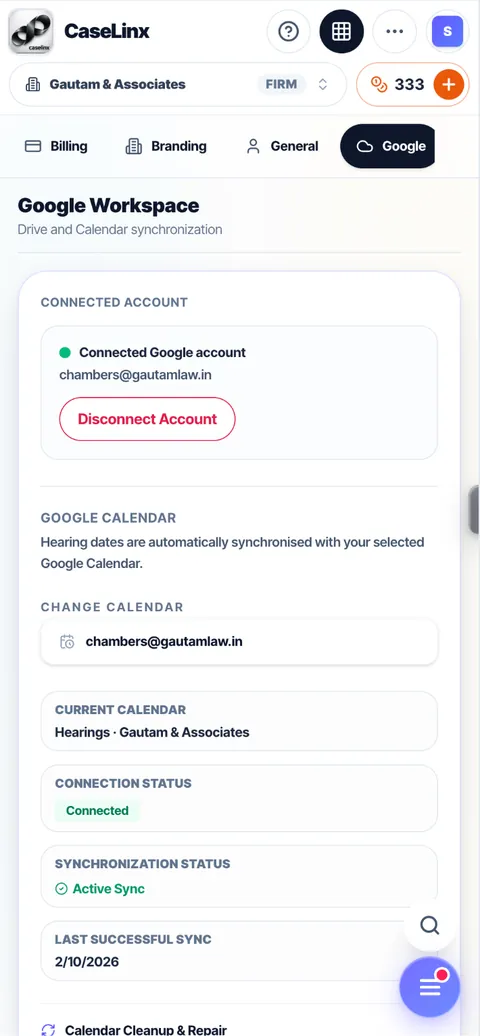
CourtSync refreshes your cases from court records: the next hearing date, the stage, the court’s latest note and new orders with the signed PDF. Run it for one case, one court, or the whole board before a court week. Every changed date flows straight into your Google Calendar through CalSync.
CourtSync All — the whole board in one tap (uses credits)
CalSync and calendar reminders on every hearing — free on every plan
Check your listings against the court’s own cause list
Case Boards
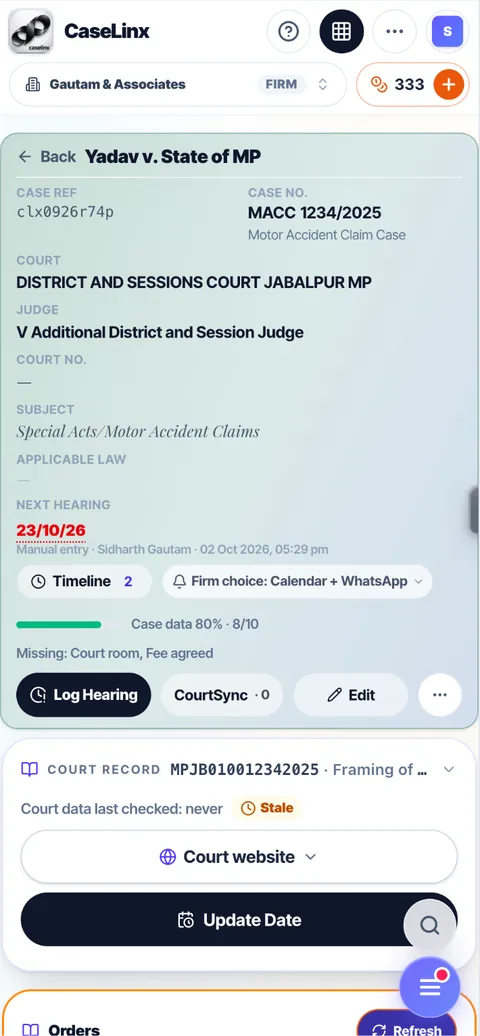
Every case gets its own Case Board.
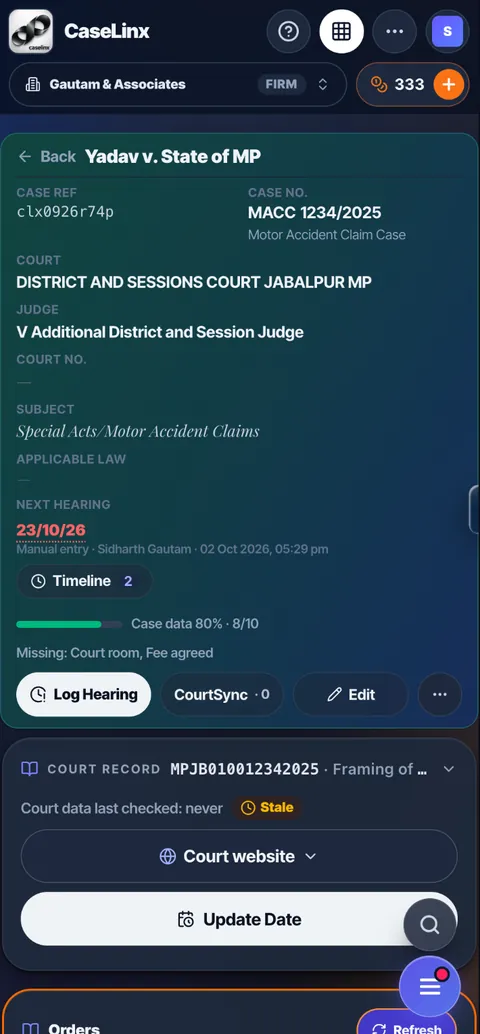
A Case Board is where a matter lives: hearing timeline, case notes, team discussion, tasks, people on record, documents, orders, emails and money — all on one board. A completeness bar shows what is missing; tap any field and fill it where it stands. Plans are counted in Case Boards: you pay for the matters you actually run, and every plan includes its own number of boards.
Case Notes: updates, tasks and discussion in one feed
Hearing timeline from every hearing logged and every CourtSync
Disposed cases leave the count, so your boards go to live matters
Managers and associates
Delegate with control. Close only when it’s done.
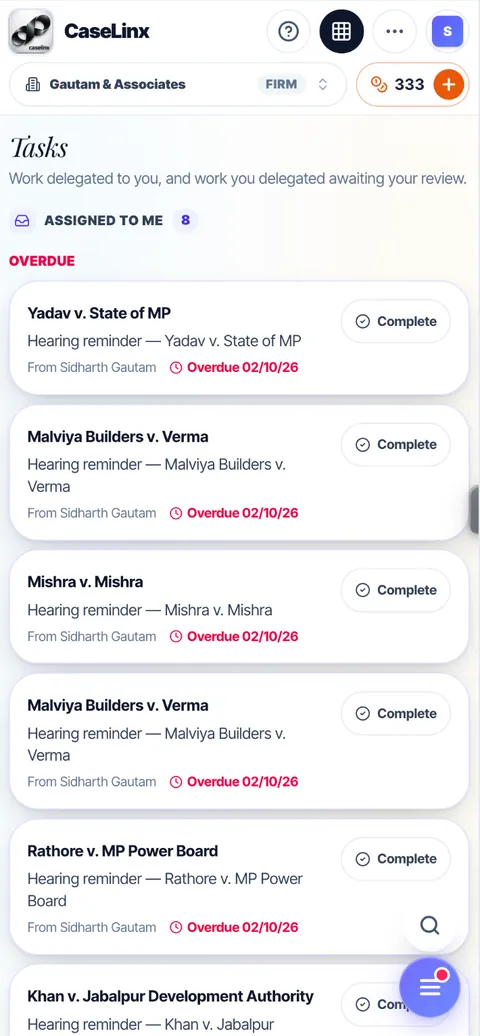
Manager, Co-Manager, Associate and Clerk each see what they should. Switch on case assignment and every lawyer sees only the matters assigned to them; managers see everything and delegate. Tasks run in a loop: the associate marks a task complete with a one-line summary that lands in the case notes, and only the person who assigned it can accept it and close it.
Team workload: who has what, who is overdue
Expense limits for each member, with approval above the limit
Reviewed work turns into a billing prompt
Your practice is yours
We understand how law is practised in India.
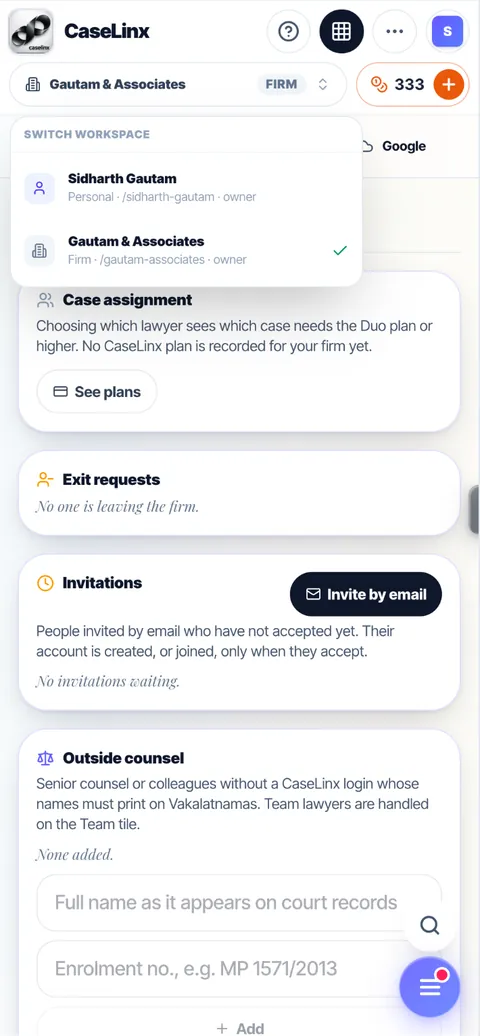
Every lawyer gets a personal account. When you are ready to build a team, start your own firm account beside it — the cases and credit balance of each stay separate. Join a firm, leave it, start your own: your login, your personal cases and your way of working stay intact. When you leave, the firm can grant you the matters it chooses; you and the firm admin both approve, and each case arrives with its notes, hearing history, documents and tasks.
One Vakilpedia ID for your whole career
Firm work and personal work never mix
Exit requests approved on both sides
Clients and billing
Law is a practice of people. So is CaseLinx.
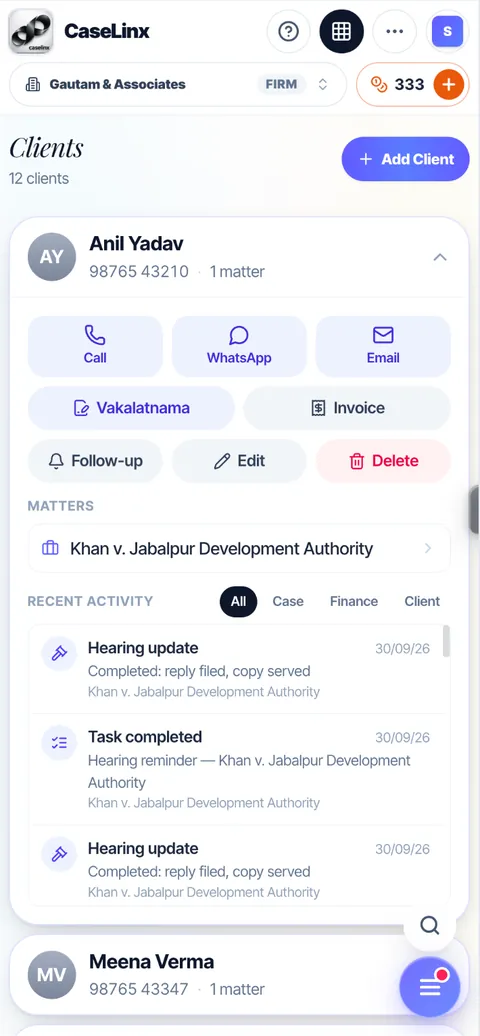
A practice is relationships between people — the lawyer, the client, the judge and the babu. All human, all naturally intelligent. CaseLinx connects them. Every client has one page with their matters, recent activity and billing: call, WhatsApp or email them, raise a Vakalatnama or an invoice, right there.
GST invoices with your letterhead, bank details and signature
Raise an invoice from a hearing, a consultation or completed work
Deposits and expenses recorded against the matter
WhatsApp and email
Updates where you already are.
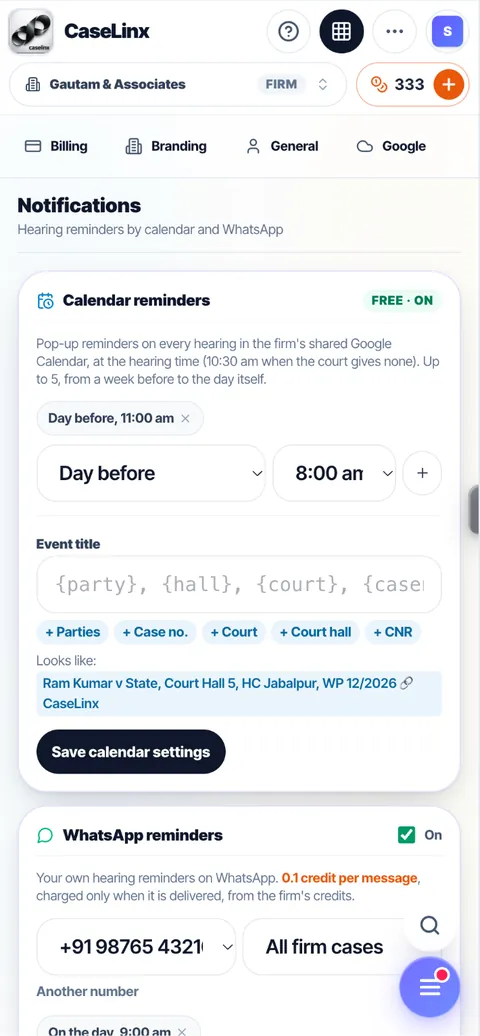
Hearing reminders arrive on WhatsApp, in English or Hindi, at the times you choose, and in your Google Calendar for free. Remind a client of the next date in one tap. Every case also has its own email address: copy or forward any email to it and it is filed under that case — so client communication stays on the record, inside the app.
Calendar reminders: free
WhatsApp reminders: 0.1 credit per delivered message
Live court board alerts through CourtQue
Scan with your phone
Your phone is the scanner. The case file is the destination.
Certified copies, notices, a client’s old papers — photograph them with your phone right in the court corridor. CaseLinx finds the page, straightens it, turns the paper white and keeps only the text, signatures and stamps, then saves one clean, light PDF straight into that case’s folder.
Several pages into one PDF, corners adjustable by hand
Saved in the case’s Google Drive folder, named by you
Get text: Google Drive reads the scan into a searchable Doc, free
Bring your own cloud
Your files stay in your Google Drive.
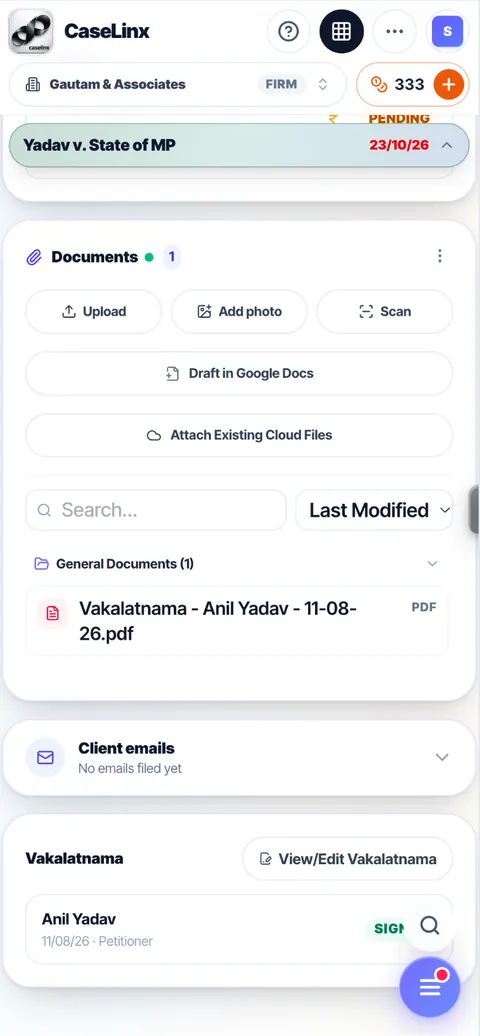
CaseLinx makes a folder for every case in your own Google Drive and keeps the files there — our servers keep only the file name. Draft a new Google Doc right inside the case folder, and everything you scan or upload lands in the same place.
Google Drive and Google Calendar: live today
Disconnect any time — your files stay where they are
Calendar clean-up removes duplicate events
The Vakilpedia ecosystem
CaseLinx is the OS. Vakilpedia is the ecosystem.
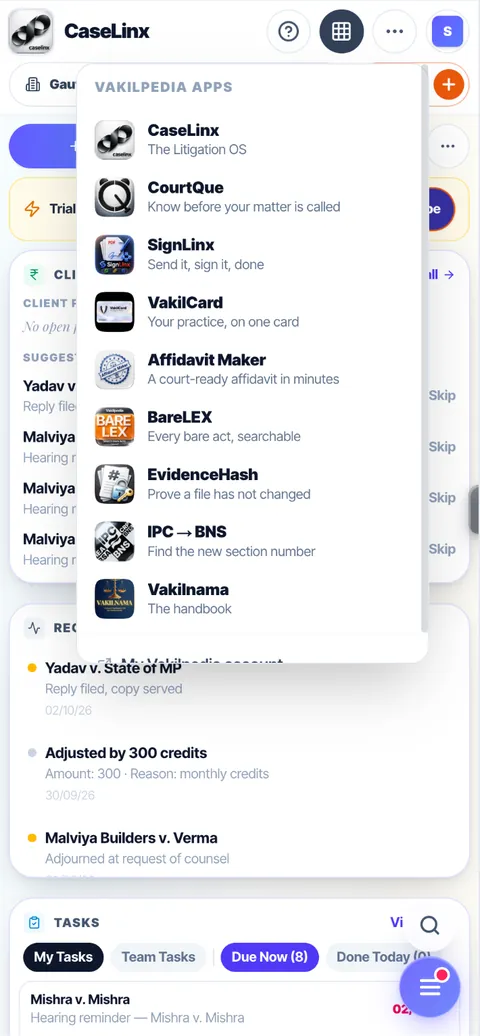
One Vakilpedia account opens every app, and the apps talk to each other. Your Vakalatnama is e-signed through SignLinx, client bookings come in from VakilCard, and CourtQue watches the live display board for your item.
One login across the platform
V1 credits work in every app
Nothing to install — it runs in the browser and as a phone app
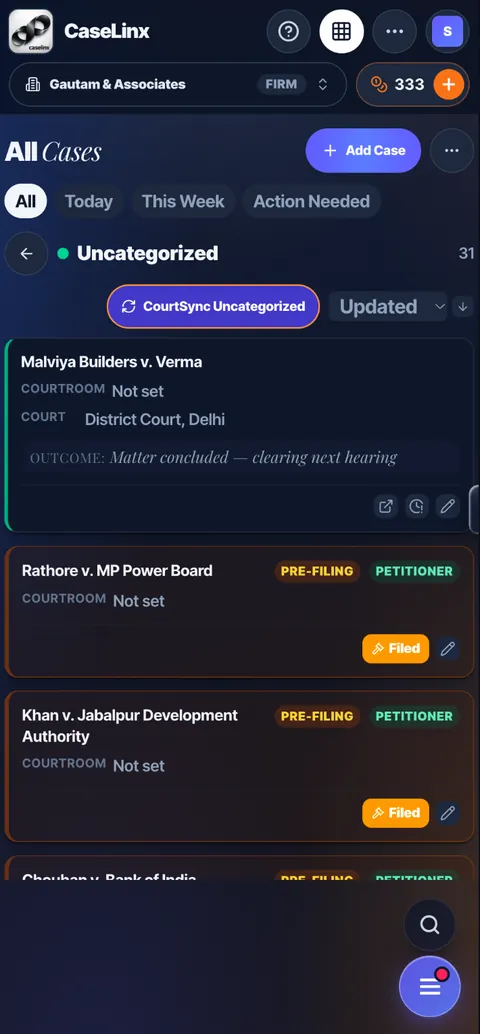
Light and dark mode
For those who burn the midnight lamp.
Briefs get read late. CaseLinx comes in a light mode for the day and a dark mode that eases your eyes at night — the same app, the same layout, switched with one tap and remembered on every device.
One tap to switch
Easy on the eyes after hours
Every screen designed for both
Design you can be proud of
Software you are proud to open in front of a client.
We know good design matters. CaseLinx is calm, minimal and fast — on a phone in the court corridor or a desktop in chambers, with a Help mode that explains every button. With Vakilpedia we are building a brand our users are proud to carry.
Phone-first, desktop-ready
Calm, minimal and fast
Help mode on every screen
Fair pricing
Fair pricing. For every advocate.
A legal practice takes years to build its income. We will not make a beginner pay more than they can afford. Start free, pay for what you use — not for features locked behind tiers. It is 2026, every lawyer lives in the AI era, and we connect your A to I without burning a hole in your pocket.
Every plan includes credits that renew each month, shared by the whole firm. V1 credits you buy never expire and work across the platform.
Solo
For a single advocate running their own practice · 1 lawyer · 50 credits/mo · 15 case boards
₹399 /month
Duo
Two lawyers and a clerk · 2 lawyers + 1 clerk · 120 credits/mo · 40 case boards
₹699 /month
Chambers
A growing chambers with a full team · 5 lawyers + 2 clerks · 250 credits/mo · 100 case boards
₹1,599 /month
Firm
Firms of 10 lawyers and more · 10 lawyers + 4 clerks · 300 credits/mo · 250 case boards
₹4,999 /month
सिर्फ़ सीमित समय के लिए परिचयात्मक कीमत। एक बार सब्सक्राइब करने के बाद, जब तक आपका सब्सक्रिप्शन कैंसिल नहीं होता, आपकी कीमत नहीं बदलेगी।
Prices are before 18% GST. Try Solo free for 14 days — no card needed. Plans are free during the beta — join now; these prices apply once paid plans begin.
We are not AI slop slapping a cover over a cheap API.
We are lawyers who built the software our own practice needed, around how Indian courts really work — and we are here for the long run. You handle the law. We drive the practice.
Use Find my cases: type your name as the court enrolled you, tick the courts you practise in, and CaseLinx imports your cases from court records in the background. Exact matches are added on their own; look-alike names wait for your tick. The credit cost is shown before you start, and nothing is charged when nothing is found.
What happens to my cases if I leave a firm?
Your Vakilpedia account and your personal cases are always yours. The firm can grant you the cases it chooses: you and the firm admin both approve, and each case moves to your personal account with its case notes, hearing history, documents and tasks. Firm and personal credit balances never mix.
Is CalSync free?
Yes. CalSync puts every hearing into your Google Calendar and keeps it in step, and calendar reminders on every hearing are free on every plan. CourtSync, which refreshes cases from court records, uses credits.
Where are my documents stored?
In your own Google Drive. CaseLinx makes a folder for each case and keeps the files there; our servers keep only the file name and its Drive id. Disconnect any time and the files stay in your Drive.
How do credits work?
Everyday features are included in your plan. Services that call court data or other paid services use credits. Every plan includes credits that renew each month (unused ones lapse), shared by the whole firm. V1 credits you buy never expire and work across the platform. Free credits are always used first.
Can I control what each team member sees?
Yes. Roles are Manager, Co-Manager, Associate and Clerk. Switch on case assignment and each lawyer sees only the cases assigned to them, while managers see everything. A delegated task closes only when the person who assigned it reviews the summary and accepts it.
Does CaseLinx work in Hindi?
Yes. Every screen of CaseLinx works in Hindi and English, switched with one tap, and WhatsApp hearing reminders come in the language you choose. Regional languages are coming soon.
CaseLinx — वकील अक्सर क्या पूछते हैं
ऐसा ऐप देखिए जिसमें हर केस एक ही जगह हो — अगली सुनवाई की तारीख़ें, क्लाइंट, पक्षकार और दस्तावेज़ — और जो हर तारीख़ से पहले आपको याद दिलाए। CaseLinx भारतीय वकीलों और लॉ फ़र्मों के लिए बनी डिजिटल केस डायरी है, जो क्लाइंट, सुनवाइयाँ, कैलेंडर, दस्तावेज़ और बिलिंग को आपस में जोड़ती है।
जी हाँ। CaseLinx आपके नाम से, एडवोकेट के तौर पर, आपके केस ढूँढ सकता है, इसलिए आप अपने मामले एक-एक करके भरने की जगह सीधे डायरी में ला सकते हैं।
जी हाँ। फ़र्म वर्कस्पेस में आपकी टीम अपने-अपने लॉगिन से केस शेयर कर सकती है, इसलिए किसी को आपका पासवर्ड साझा नहीं करना पड़ता।
eCourts एक बार में सिर्फ़ एक केस का स्टेटस दिखाता है। CaseLinx आपके सारे केस, क्लाइंट और तारीख़ें एक साथ रखता है और बताता है कि आगे क्या आने वाला है, ताकि आपको हर शाम हर केस अलग-अलग नहीं देखना पड़े।