SignLinx

Live · beta

Signatures, on a link

Send a PDF for signature over WhatsApp or a plain link. It comes back signed, with a certificate, a full audit trail, and a SHA-256 fingerprint timestamped into the Bitcoin blockchain — so the date and the contents can be proved by anyone, without taking your word or ours for it.

Send it. Sign it. Prove it.

Verification is public and needs no account. Sending a document needs one.

How it works

Four steps, and the fourth one is proof.

  1. Upload

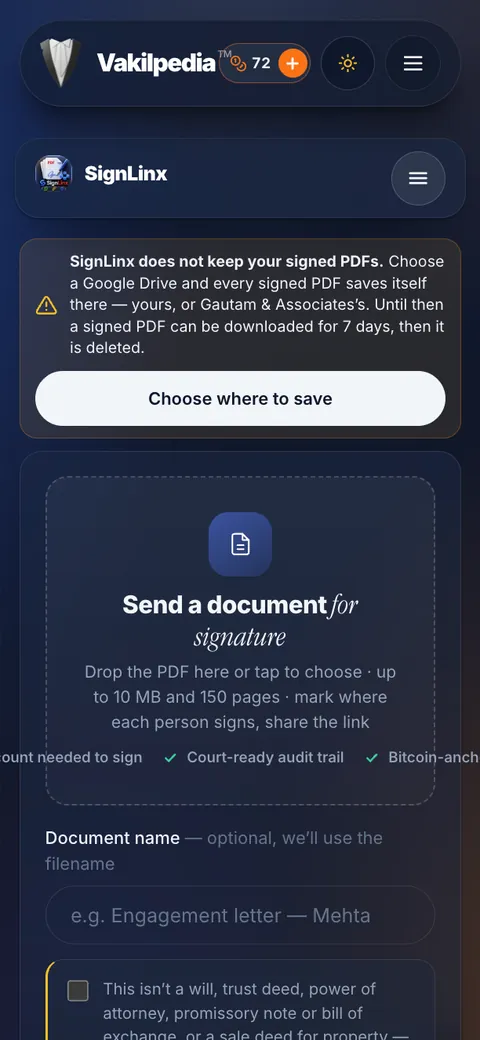
    A PDF, up to 10 MB and 50 pages.

  2. Place the fields

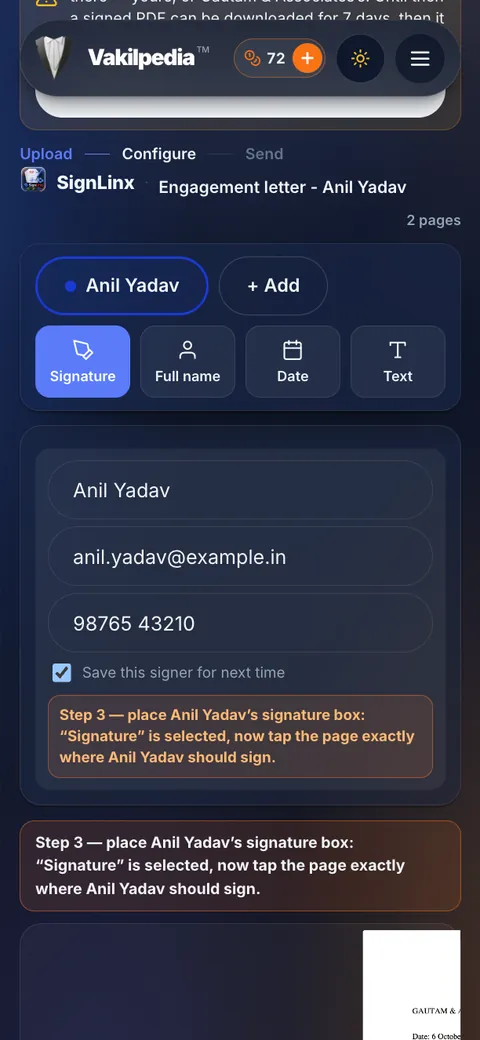
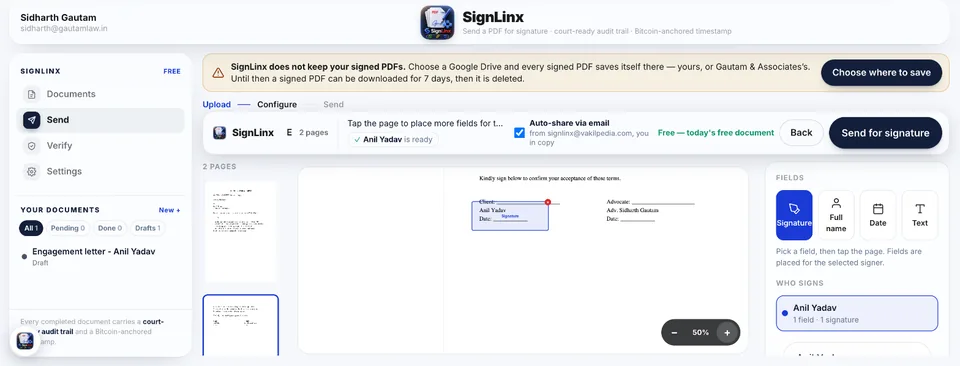
    Signature, name or date — dragged onto the page, per signer.

  3. Share the link

    WhatsApp, email, or a copied link. No account needed to sign.

  4. Get it back, sealed

    The signed PDF, a certificate, and a Bitcoin-anchored timestamp.

What it does

Built for the paperwork that never signs itself.

Everything below is in the app today. Nothing here is a roadmap item.

Send it on WhatsApp, from your number

The signing link opens in your own WhatsApp, so it reaches your client from a number they recognise — not from a system nobody has heard of. Copy the link or email it instead if you prefer.

Your signer needs no account

They open the link, read the document in the browser and sign — on a phone, which is where most of them will be. No download, no app, no signup, nothing to explain on a call.

Any PDF, fields where you want them

Up to 10 MB and 50 pages. Drag a signature, full-name or date box onto the exact spot on the exact page, and add as many signers as the document needs.

Two consents, recorded separately

One tick says they agree to be bound by the document. A second says they consent to signing electronically. Different admissions, timestamped apart — because that is where the evidentiary weight sits.

Sealed with SHA-256

The finished PDF is hashed the moment it is composed. Change one byte afterwards and the fingerprint no longer matches — provably, by anyone, without asking us.

Timestamped to the Bitcoin blockchain

That fingerprint — not the document — is anchored through OpenTimestamps, giving you a date nobody controls and nobody can quietly move.

A certificate, and a full audit trail

The completion certificate is a separate PDF, deliberately: the signed document stays what the parties agreed. Created, sent, opened, signed, declined, voided — every event is written to an append-only log.

Void it, or let it lapse

Withdraw an envelope before it is signed. Links expire after 30 days by default, so a signing link never sits live in a WhatsApp thread forever.

Getting access

Sign in, accept once, and it opens.

SignLinx has no login of its own. Identity for the whole ecosystem lives in one account, and access is granted the moment you sign in to it and accept the agreements.

  1. Sign in

    One Vakilpedia account — the same one that opens CaseLinx, CourtQue and BareLEX. SignLinx has no login of its own.

  2. Accept the Platform Agreement & EULA

    Once, in your account. Your acceptance is recorded with a timestamp, so what you agreed to and when is never a matter of recollection.

  3. SignLinx opens

    Access is granted the moment those two are done. Nothing to install, nothing to configure, no separate bill.

Get access in your account

Already signed in? That link opens the agreements. Read them first at the Platform Agreement & EULA.

The proof

The fingerprint goes on the blockchain. The document never does.

When every signer has signed, SignLinx composes the final PDF and takes its SHA-256 fingerprint — a value that changes completely if a single byte of the file changes. That fingerprint, and only that fingerprint, is anchored into a Bitcoin block through OpenTimestamps. The document itself stays in Vakilpedia storage under your account.

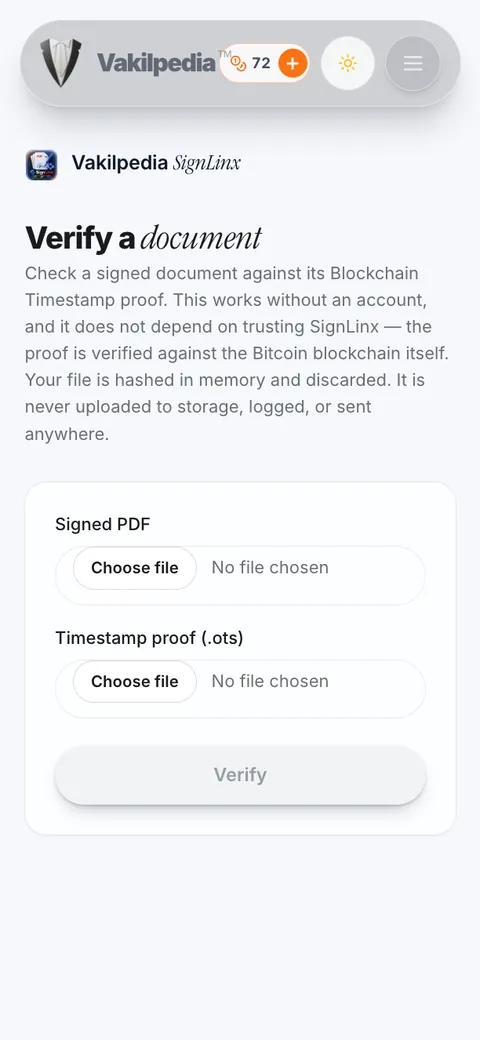
You get an .ots proof file alongside the signed PDF. Anyone holding both can check them against the public blockchain — through our verifier, or with the open-source OpenTimestamps client and no involvement from us at all. That is the point: evidence you rely on should not depend on the company that produced it still being around.

Try the verifier

What you keep

  • agreement_signed.pdfThe signed document itself.
  • certificate.pdfSigners, times, IP and method.
  • agreement_signed.pdf.otsThe Bitcoin timestamp proof.

Yours to download and keep. They verify whether or not you are still a customer.

Where it earns its place

For what an Indian practice actually posts, couriers and chases.

Vakalatnama from a client out of station

The usual answer is courier, scan and a week. This is a WhatsApp message and a signature before the next date.

Engagement letters and fee agreements

Terms agreed in writing, signed and dated — before the work starts, rather than after the dispute about it.

Settlement terms and compromise deeds

Both sides sign the same PDF from wherever they are, and the fingerprint fixes what was signed so no other version can surface later.

Undertakings, consents and NOCs

Short documents that hold up an entire matter while somebody looks for a printer.

Corporate paperwork for firm clients

NDAs, board resolutions, vendor agreements — the standing paperwork that arrives in volume and has to stay traceable.

Client instructions on record

What was approved, by whom, and when — captured as it happens instead of reconstructed from a chat thread.

What this is, and what it is not

SignLinx produces an electronic signature on an electronic record, with a consent trail, an audit log and an independent timestamp. It is not a Digital Signature Certificate issued by a licensed Certifying Authority, and it is not Aadhaar eSign — those are separate instruments with their own statutory treatment.

Certain documents are excluded from electronic execution under the First Schedule to the Information Technology Act, 2000 — among them negotiable instruments, powers of attorney, trusts, wills, and contracts for the sale or conveyance of immovable property. Use your own judgment on what a given document and forum require; this page is information, not advice.

Your next signature does not need a courier.

Sign in with your Vakilpedia account, accept the agreements once, and send your first document today.